

Description
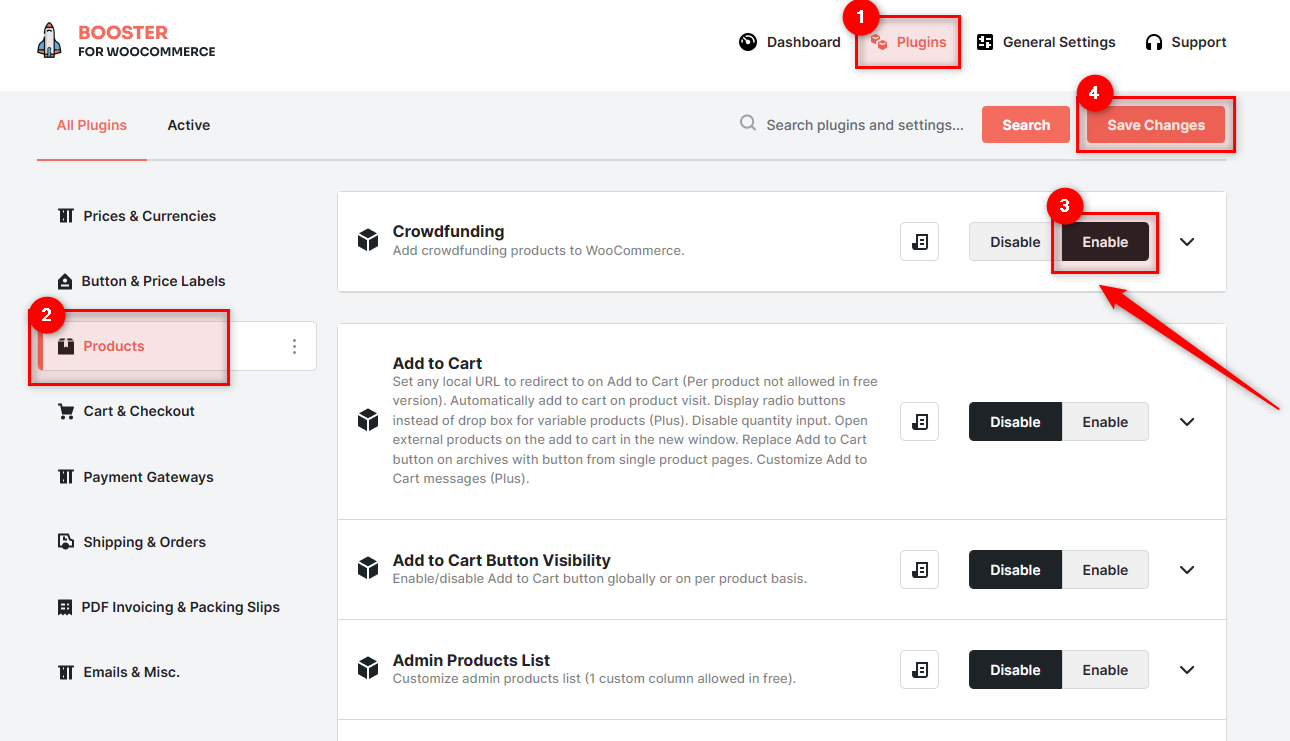
Fund a project or do great things with your WooCommerce store! Easily and quickly add a crowdfunded product with WooCommerce Crowdfunding module. Simply enable this module in the Booster settings, set your goal, your start date, your end date, and start promoting!
WooCommerce Crowdfunding Module Settings View
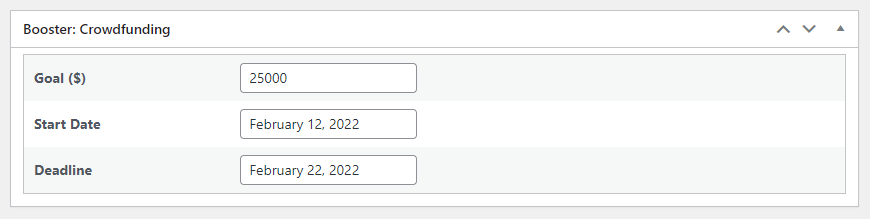
Product Edit Page View
When enabled, module will add Crowdfunding metabox to product edit.
Frontend View
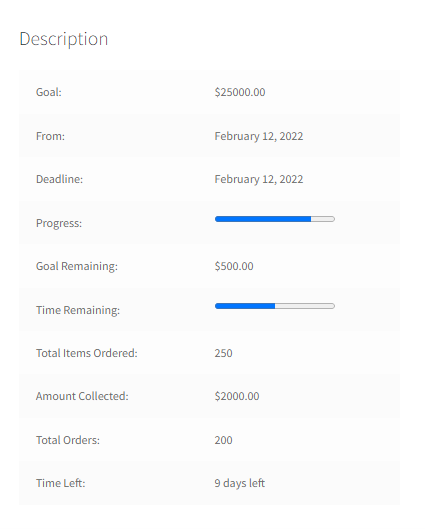
To add crowdfunding info to the product, use these shortcodes:
[wcj_product_total_orders][wcj_product_total_orders_items][wcj_product_total_orders_sum][wcj_product_crowdfunding_goal][wcj_product_crowdfunding_goal_remaining][wcj_product_crowdfunding_goal_remaining_progress_bar][wcj_product_crowdfunding_startdate][wcj_product_crowdfunding_deadline][wcj_product_crowdfunding_time_remaining][wcj_product_crowdfunding_time_remaining_progress_bar]
Shortcodes could be used in WooCommerce Product Info module, in WooCommerce Custom Product Tabs module, or in a product description.
Examples
You can add multiple price options to Crowdfunding product by setting “Product Type” in product edit page to “Variable product” and creating a Custom Product Attribute:
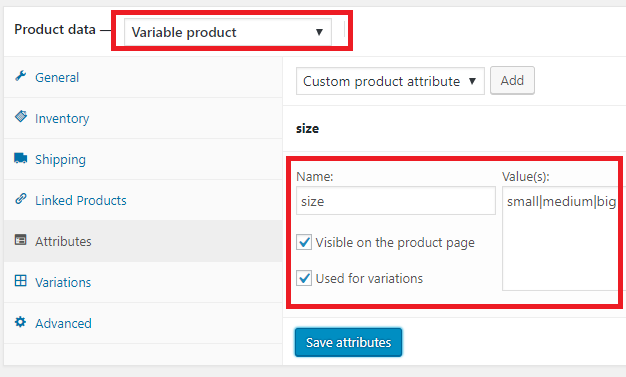
Then create variations from all attributes and set their prices:
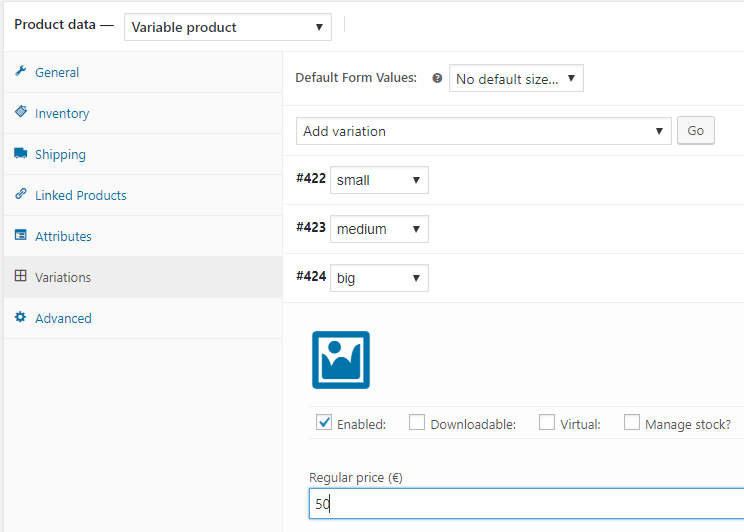
This will allow customers to choose how much they are willing to contribute.

Tips & Tricks
- WooCommerce > Settings > Booster > Products > Crowdfunding for WooCommerce
 WooCommerce 11.0.1 and
  WordPress 7.0.4