
Modules By User Roles free
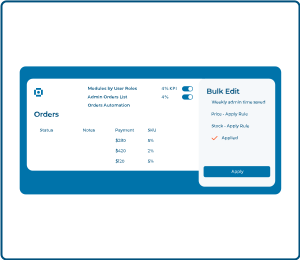
Hide irrelevant modules per role for cleaner admin.
★ 4.6 / 5 on WordPress.org · 100k installs to date · Trusted since 2014 · 140+ modules
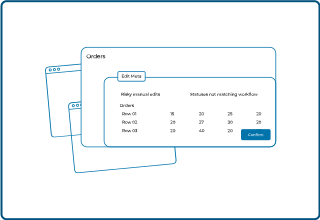
Admin screens are cluttered. Simple tasks eat your day.
Get a tidy dashboard, batch changes, and rules that run for you.
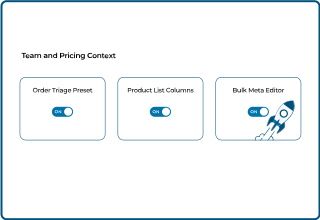
Hide irrelevant modules per role for cleaner admin.
Change prices stock and SKUs across products fast.
Add key columns to orders list for faster triage.
Customize product list columns to surface needed fields.
Automate order tasks like autocomplete and status changes.
Add custom statuses and color coding for clear workflows.
Free and Free Lite cover basics like add-ons and upsell slots. Elite unlocks bundles and wishlists. Compare plans →
Stores use Booster to cut busywork and run smoother each day.
Clear steps move orders forward so fewer drop off.
Buyers see status changes fast and ask less.
Cleaner data powers smarter bundles and price rules.
We trimmed hours from weekly admin. Orders feel under control.

Chen L.
E-commerce manager, lifestyle brand
No. They change your admin only. Shoppers are not affected.
Pick items and set one rule. Update hundreds in minutes.
Yes. Name them set colors and pick who can change them.
No. You use simple screens and buttons. No code needed.
Free Lite covers lists and batch edits. Elite adds custom statuses and extra rules.