

Description
Enable Booster’s WooCommerce Product Open Pricing (Name Your Price) module to let your WooCommerce store customers enter price for the product manually:
- Enable module in WooCommerce > Settings > Booster > Prices & Currencies > Product Open Pricing (Name Your Price).
- Go to product’s edit page and find Booster: Product Open Pricing (Name Your Price) metabox.
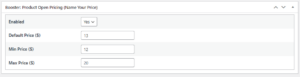
- In metabox you can enable open pricing for current product, and optionally set default price, minimal and maximal prices.
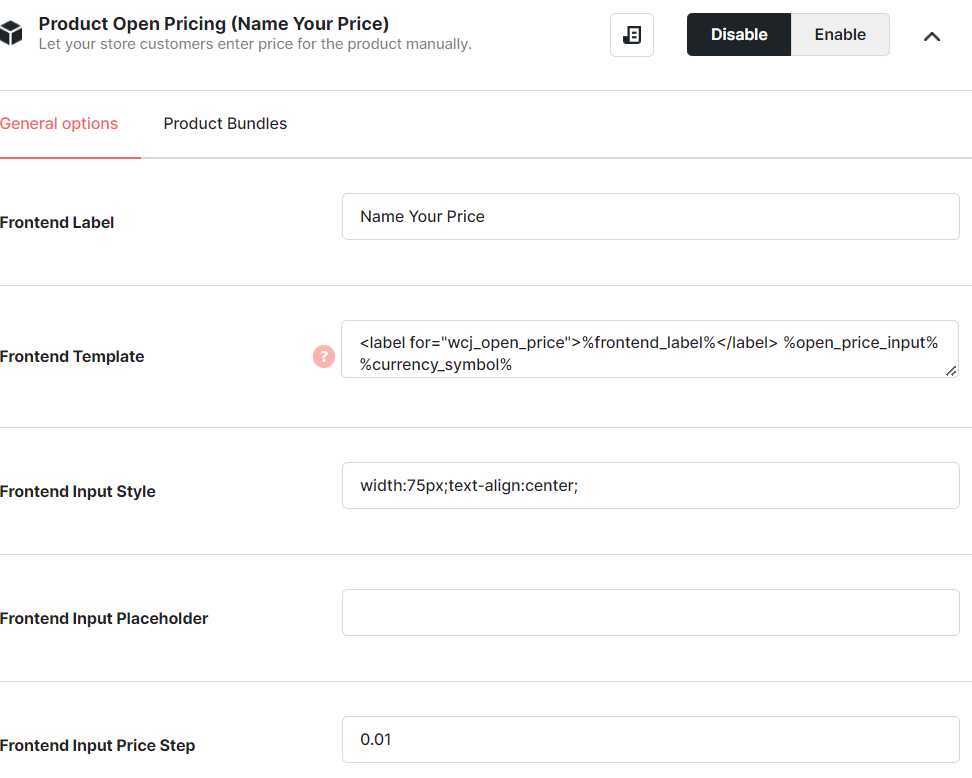
Admin – Module’s Settings
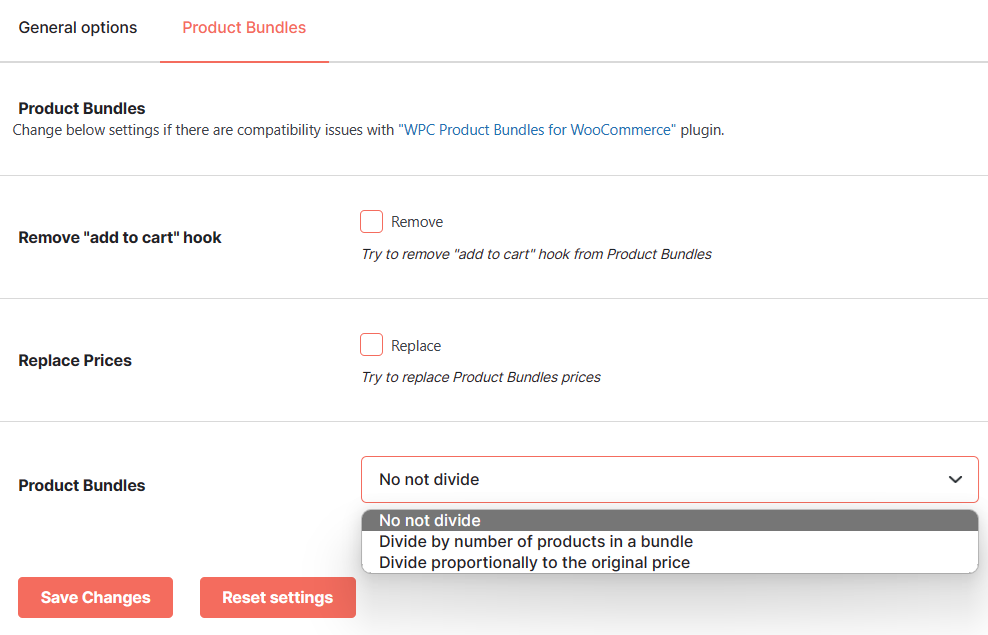
If you are facing any issue with “WPC Product Bundles for WooCommerce” plugin then the module will allow you to change below settings.
Admin – Product’s Settings
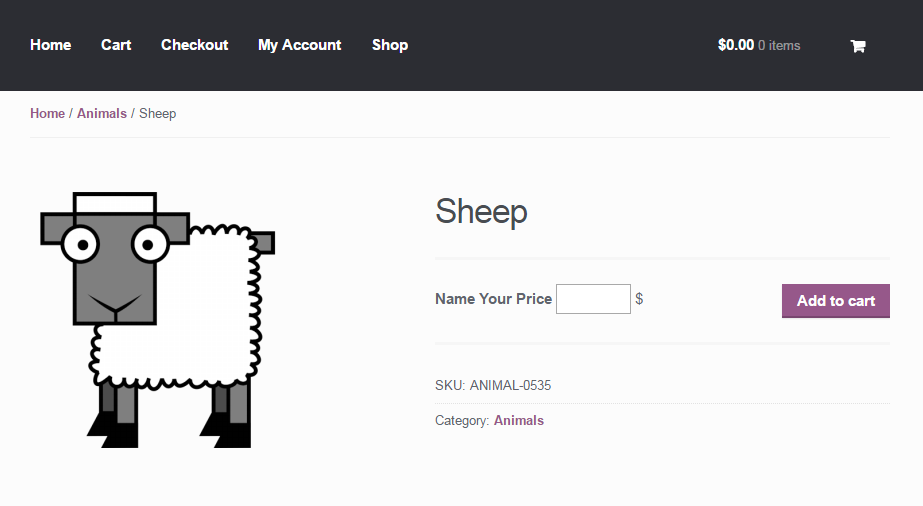
Frontend View
Accessible through:
- WooCommerce > Settings > Booster > Prices & Currencies > Product Open Pricing (Name Your Price) for WooCommerce
 WooCommerce 10.7.0 and
  WordPress 6.9.4