

Description
With WooCommerce Admin Bar module you can add standard WooCommerce and/or Booster for WooCommerce admin bar additions.
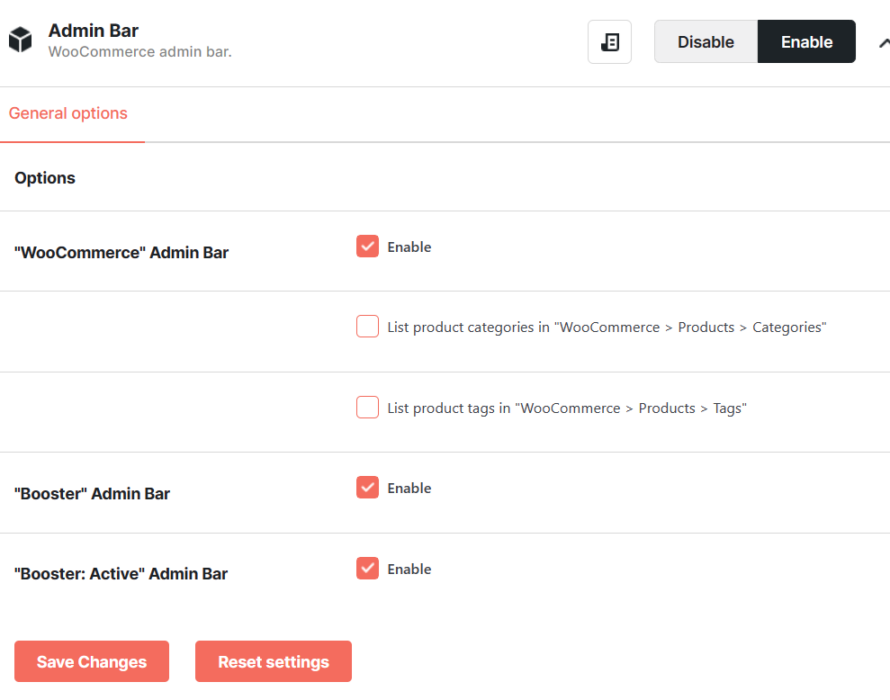
Standard WooCommerce Admin Bar Addition
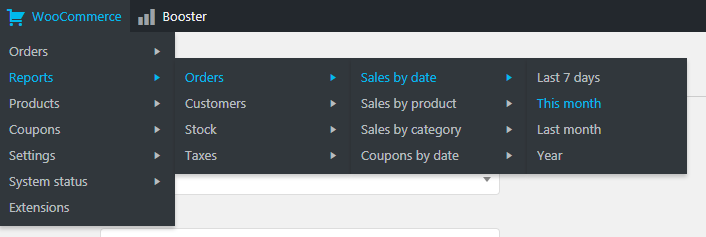
Currently these nodes are present in standard WooCommerce admin bar addition:
- Orders
- Orders
- Add order
- Customers
- Reports
- Orders
- Sales by date
- Last 7 days
- This month
- Last month
- Year
- Sales by product
- Last 7 days
- This month
- Last month
- Year
- Sales by category
- Last 7 days
- This month
- Last month
- Year
- Coupons by date
- Last 7 days
- This month
- Last month
- Year
- Sales by date
- Customers
- Customers vs. guests
- Customer list
- Stock
- Low in stock
- Out of stock
- Most Stocked
- Taxes
- Taxes by code
- Taxes by date
- Orders
- Products
- Products
- Add product
- Categories
- Tags
- Attributes
- Coupons
- Coupons
- Add coupon
- Settings
- General
- Products
- General
- Display
- Inventory
- Downloadable products
- Tax
- Tax options
- Standard rates
- Shipping
- Shipping zones
- Shipping options
- Shipping classes
- Checkout
- Checkout options
- BACS
- Check payments
- Cash on delivery
- PayPal
- Account
- Emails
- API
- Settings
- Keys/Apps
- Webhooks
- System status
- System status
- Tools
- Logs
- Extensions
Booster for WooCommerce Admin Bar Addition
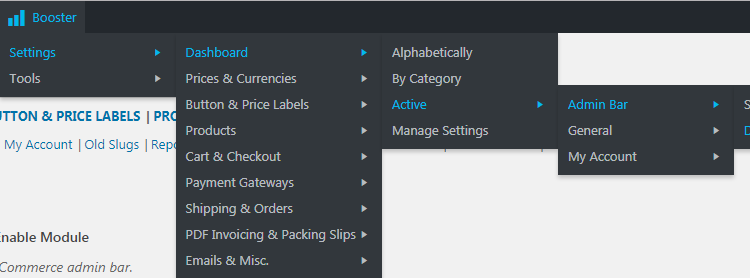
Currently these nodes are present in Booster for WooCommerce admin bar addition:
- Settings
- Dashboard
- Alphabetically
- By Category
- Active
- All active modules (each settings and documentation links)
- Manage Settings
- All modules divided by categories (each settings and documentation links)
- Dashboard
- Tools
- Dashboard
- All active tools
Accessible through:
- WooCommerce > Settings > Booster > Emails & Misc. > Admin Bar for WooCommerce
 WooCommerce 11.0.1 and
  WordPress 7.0.4